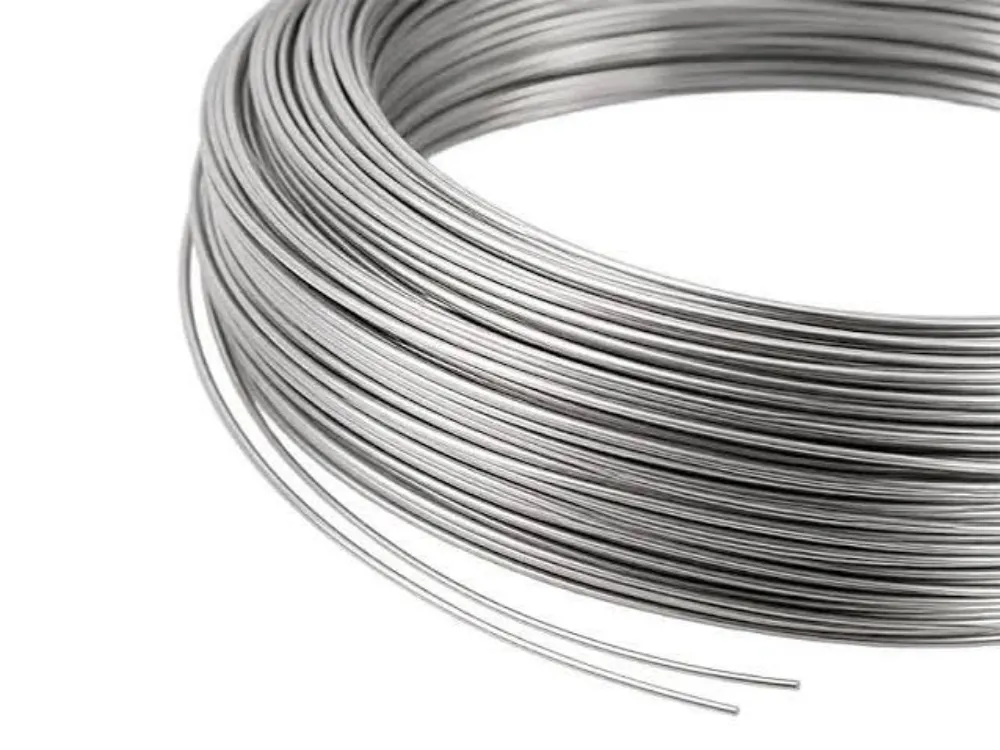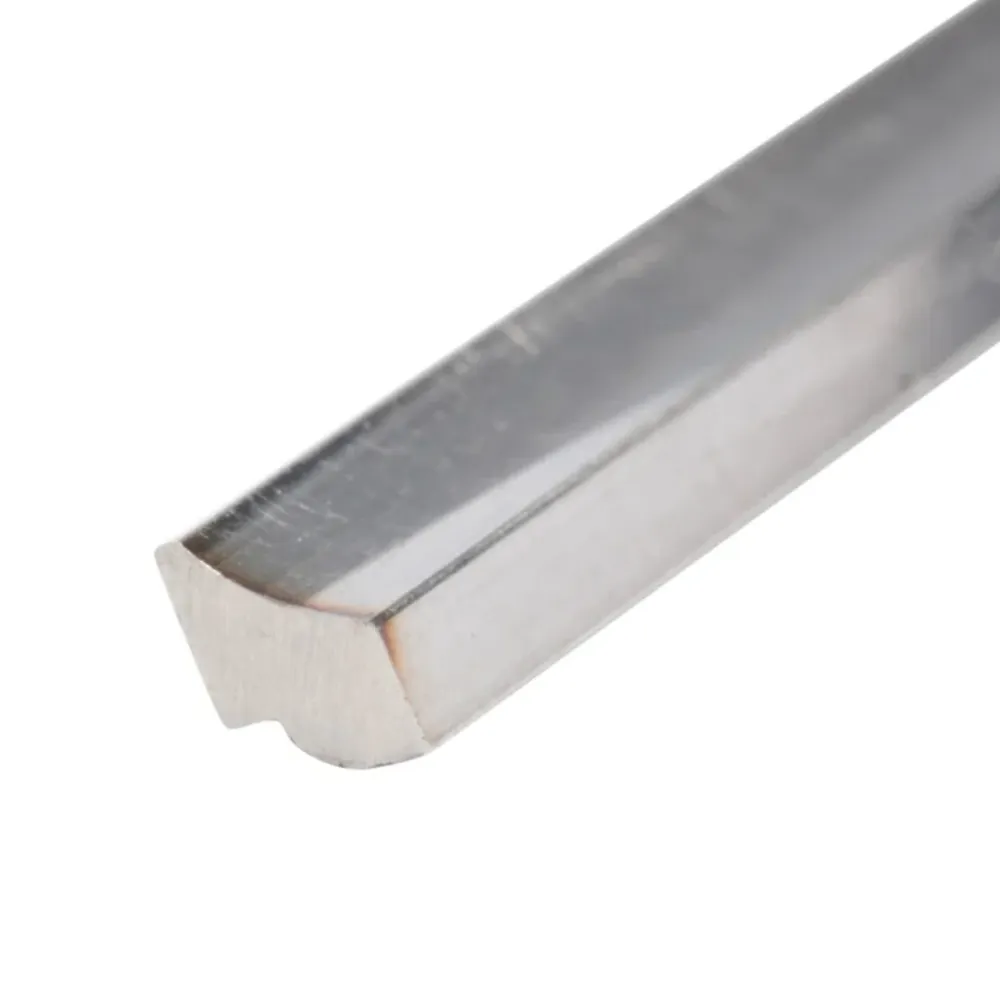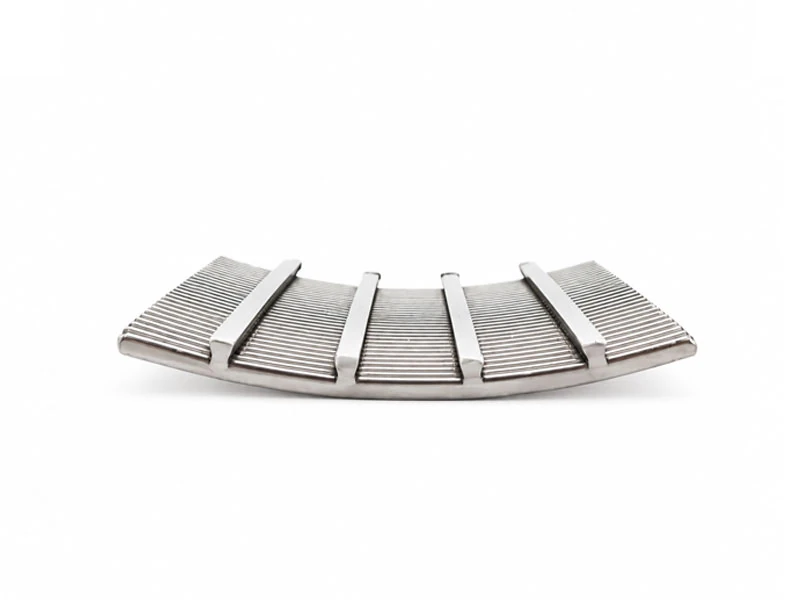
To specify custom wire profiles, provide a controlled cross-section drawing, critical dimensions, material and condition, surface requirements, delivery format, quantity, and inspection needs. Then ask the supplier to confirm feasibility, quote scope, and any exceptions in writing.
A neat outline can still leave a supplier guessing about a corner, a material condition, or the required delivery form. If you are working out how to specify custom wire profiles, the goal is a clear request for quote (RFQ) that engineering, purchasing, and the supplier can review against the same details. This guide gives you a drawing checklist, a copyable RFQ template, a worked example, and a confirmation log.
Key takeaways:
- Start with a drawing identifier, revision, units, and defined cross-section.
- Separate required features from supplier proposals and open questions.
- State material condition and supply format alongside grade and dimensions.
- Request the documents and sample checks the project needs during the RFQ.
- Resolve quote exceptions before releasing an order.
How to specify custom wire profiles on a drawing
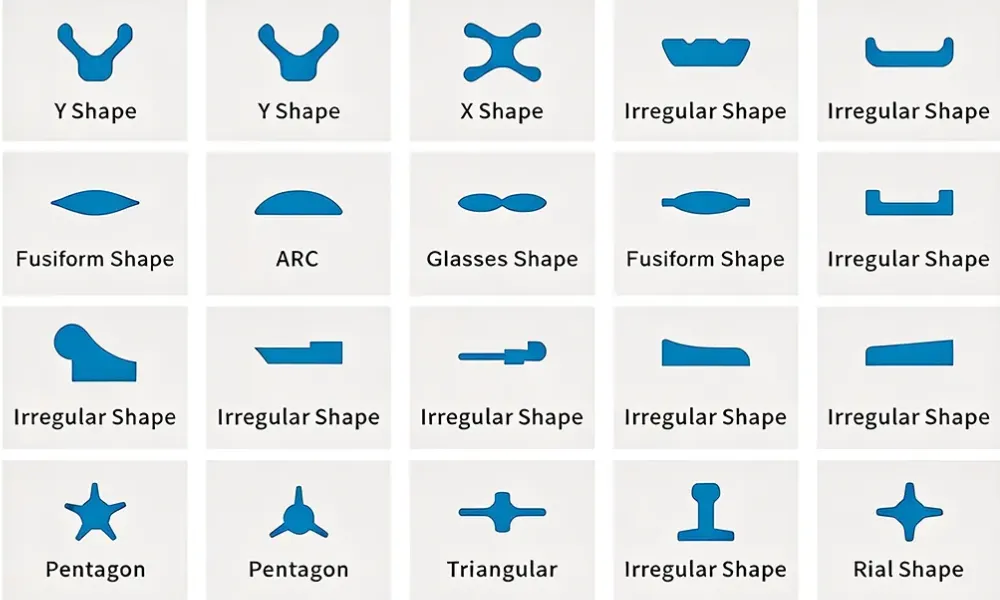
Identify the controlled file
Give the drawing a unique reference and revision. State the units, and list any supporting documents in the RFQ. If you send a drawing and a model, explain which controls the specification and ask the supplier to flag discrepancies.
Learning how to specify custom wire profiles begins with document control. A filename such as “latest profile” is not enough when several revisions are circulating. When deciding how to specify custom wire profiles, use a revision log to track changes. Remove older files from the active inquiry package.
Show the cross-section and its functional features
Define the width, height or thickness, angles, radii, and contour features that describe the section. Identify the faces that contact or locate another component. Include the mating-part context when it explains why a particular feature matters, but keep the wire requirements clear on their own.
If you are unsure how to specify custom wire profiles with curved or grooved sections, start by marking the functional features. Ask engineering to establish their dimensions and acceptance basis. A name does not define the contour.
For broader shape-selection questions, use the shaped wire specification guide before completing the RFQ. That overview helps you choose a section; this article helps you describe it for quote.
Separate critical dimensions from open items
Mark the requirements that affect fit or function and the methods used to assess them. Where a tolerance is not finalized, mark it as an open engineering item. Ask for a supplier proposal without presenting that proposal as an approved production requirement.
This distinction is central to how to specify custom wire profiles without making unsupported assumptions. “Supplier to propose” invites a response; “buyer requirement” defines something the supplier must accept or explicitly exclude. Keep those categories separate throughout the inquiry.
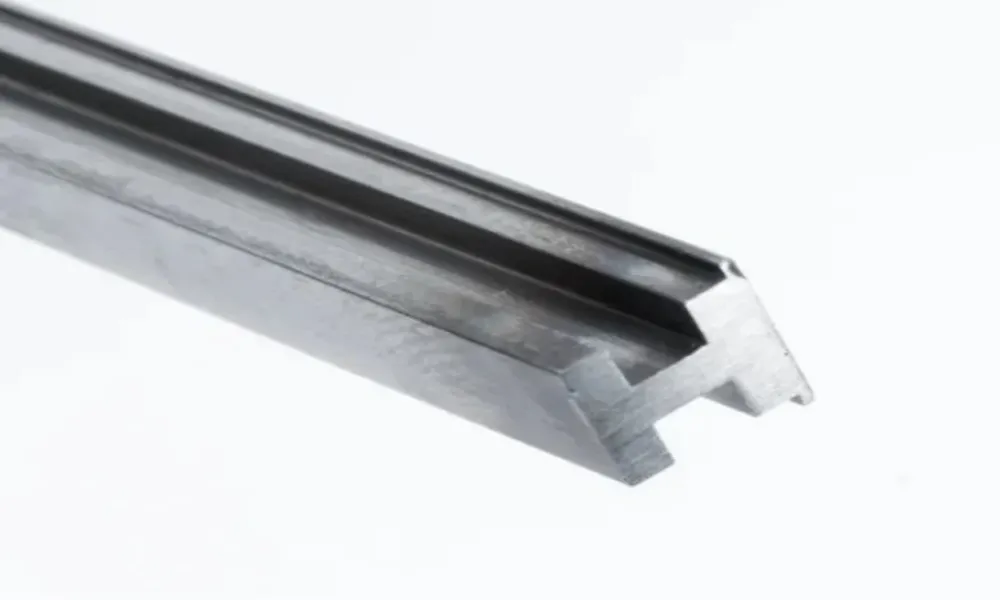
Illustrative scenario: An engineer named Alex is preparing an L-profile inquiry for a locating assembly. The outline shows overall width and height but does not define the inside corner or the face used for location. Alex marks both on a controlled drawing and lists the remaining acceptance question separately. This hypothetical example shows clearer inquiry details, not a real customer result or a promise that the profile can be manufactured.
Add material, condition, and supply requirements
Define material identity and condition separately
Give the required grade. Add the relevant material specification or customer requirement. Add the delivery condition and any mechanical requirements defined by the design. If material selection is incomplete, explain the application and identify what needs review rather than choosing a grade from a photograph.
Deciding how to specify custom wire profiles also means stating what the material must be when it arrives. A grade name alone should not be treated as a complete description of condition, surface, and mechanical requirements. Ask for the supplier’s confirmation of each relevant item.
The stainless steel grade selection article supports a focused material discussion. For Jingzhou Metal inquiries, relate your requirements to the published custom stainless steel profile wire range, then confirm the proposed specification directly.
A useful checklist for how to specify custom wire profiles puts grade, condition, and surface in separate fields. Do not treat one field as an answer to all three.
Describe surface and delivery form
Identify any surface finish, cleanliness, appearance, or defect requirements that matter to the component. Explain how they will be assessed where the project has a defined method. Do not use “perfect finish” as an inspection instruction or infer a roughness value from appearance alone.
A practical answer to how to specify custom wire profiles must distinguish the section from its supply format. State whether you need coils, spools, straightened lengths, or cut lengths, and identify relevant packaging or orientation requirements. Ask the supplier to confirm the form available for the quoted material and profile.
Explain downstream operations
Describe later cutting, bending, joining, finishing, or assembly when those operations affect the incoming requirements. Separate supplier-side operations from work you will perform after receipt. This makes the quote easier to review without assuming the supplier is responsible for the performance of your equipment.
When comparing how to specify custom wire profiles for different production routes, use the same finished requirements. A material-only offer and an offer including straightening or cutting have different scopes. Record those differences instead of comparing the headline prices alone.
As an industry example, Ulbrich’s official capability page lists gauge and width ranges separately. This supports a simple specification lesson: identify each dimension rather than using a single “wire size.” The published ranges belong to Ulbrich, not Jingzhou Metal.
How to specify custom wire profiles in an RFQ
Copy the inquiry template
Use the template below as a working document. Replace the field prompts with your actual requirements, and leave open items clearly labeled. Attach the referenced drawing rather than expecting the text to define every contour.
The template turns how to specify custom wire profiles into a repeatable inquiry task. It is an editorial aid, not a production specification or Jingzhou Metal’s internal form. Your engineering team must approve the actual requirements before an order is released.
PROJECT / RFQ REFERENCE:
DRAWING ID, REVISION, AND UNITS:
ATTACHMENTS AND CONTROLLING DOCUMENT:
PROFILE / CROSS-SECTION:
FUNCTIONAL FACES AND CRITICAL FEATURES:
DIMENSIONS, TOLERANCES, AND INSPECTION BASIS:
MATERIAL GRADE, SPECIFICATION, AND CONDITION:
SURFACE REQUIREMENTS AND ASSESSMENT METHOD:
DELIVERY FORM, LENGTH, AND ORIENTATION:
APPLICATION AND LATER OPERATIONS:
SAMPLE, INITIAL ORDER, AND REPEAT QUANTITIES:
MATERIAL / DIMENSIONAL RECORDS REQUIRED:
PACKAGING, MARKING, AND LOT IDENTIFICATION:
REQUESTED SCHEDULE, DESTINATION, AND DELIVERY TERMS:
SAMPLE APPROVAL / ORDER RELEASE REQUIREMENTS:
BUYER OPEN QUESTIONS:
SUPPLIER PROPOSALS AND EXCEPTIONS:
CONFIRMED QUOTATION REFERENCE / REVISION:
Assign a status to each requirement
Apply one of three statuses to the details you send: required by buyer, proposed by supplier, or to confirm. These statuses are useful when engineering knows the function but has not finalized every specification detail.
They also clarify how to specify custom wire profiles without accidentally approving an alternative. A supplier’s proposed corner or delivery condition remains a proposal until the buyer accepts it and updates the controlled documents. An empty field does not mean the supplier may choose any value.
| Status | Meaning | Action before order release |
|---|---|---|
| Required by buyer | Approved requirement supplied for quote | Supplier accepts it or records an exception |
| Proposed by supplier | Suggested specification or supply option | Buyer reviews and records acceptance or rejection |
| To confirm | Information remains open | Assigned owner resolves it before release |
Add documents and commercial scope
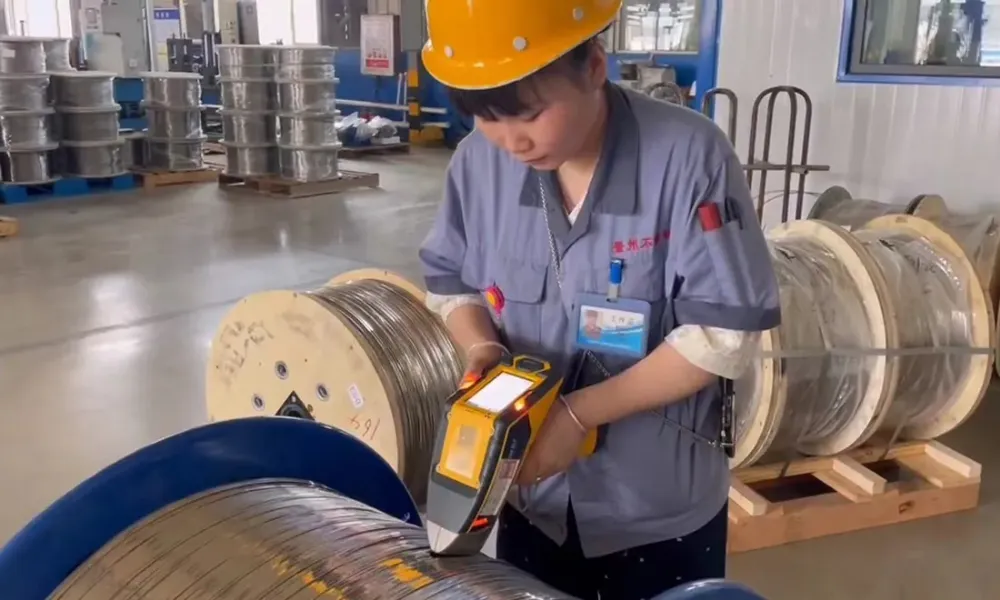
State which material and dimensional records the order needs. A mill test report (MTR) and a dimensional report answer different questions; request the contents and identification links relevant to the project. Do not infer shipment documentation from a general certificate on a website.
Knowing how to specify custom wire profiles includes knowing what the quote covers. List tooling, samples, secondary operations, packaging, and delivery terms as relevant. Request the supplier’s quote-specific quantities and schedule rather than treating website statements as order commitments.
NAN CHENG’s custom shaped wire RFQ guide identifies drawings, functional dimensions, delivery requirements, and quality documents as inquiry inputs. Use that published checklist as a reference, not as evidence that Jingzhou Metal offers the same materials, reports, or commercial terms.
Send your drawing and RFQ requirements to Jingzhou Metal when you have identified the specification and open questions. Include the supply format and records you need so the inquiry covers more than the cross-section alone.
Work through an illustrative RFQ example
Start with the incomplete request
Consider an inquiry reading, “Please quote oval stainless steel wire for our guide assembly.” It identifies a broad product and application, but does not define dimensions, material condition, quantity, or acceptance requirements. A photograph might clarify appearance while still leaving those questions unanswered.
This example shows how to specify custom wire profiles using structured details rather than adding more descriptive adjectives. The following entries are hypothetical. They are not a drawing, order, or capability statement for Jingzhou Metal or any other supplier.
Fill the fields without inventing approvals
Illustrative scenario: A buyer named Morgan has an approved outline but has not finalized the material condition. Morgan sends the drawing reference and identifies the condition as “to confirm with engineering and supplier.” The response is logged as a proposal, not written straight into an approved order. This hypothetical case illustrates responsibility for open items; it does not report a quote, supplier approval, or production outcome.
| Field | Illustrative entry | Status |
|---|---|---|
| Drawing | OVAL-DEMO, revision A; dimensions in mm on attached example | Required by buyer |
| Geometry | Hypothetical 4 mm major axis and 2 mm minor axis; full contour still needs an approved drawing | Required by buyer in this example only |
| Material | Hypothetical grade 304; chosen for this example, not a material recommendation | Required by buyer in this example only |
| Condition | Engineering and supplier to review the incoming condition | To confirm |
| Delivery | Buyer requests cut lengths; length requirements supplied separately | Required by buyer, subject to supplier acceptance |
| Inspection | Buyer lists the required dimensional records and material identification | Required by buyer, subject to supplier acceptance |
| Quantity and schedule | Hypothetical initial request of 500 m; buyer adds the needed date | To confirm in quote; no minimum order or delivery promise |
The table explains how to specify custom wire profiles while keeping unknowns visible. Its example dimensions, grade, and quantity are invented teaching inputs, not tested or quoted product data. The table does not assign a tolerance or claim that a sample was approved. In a real RFQ, the approved documents must contain the actual values and acceptance basis.
Check the package as a whole
Review the drawing, text, and attachments together. Does the drawing revision match the RFQ? Do the material and condition entries agree?
Are supply-format requirements defined beyond the section outline? Is someone responsible for resolving every open item?
Before deciding that you know how to specify custom wire profiles completely, ask a colleague to read the package without the original conversation. Record where that reader needs clarification. The exercise checks document clarity, not manufacturing feasibility, which still requires supplier review.
For another example of why names alone are incomplete, the Fort Wayne Metals shaped wire catalog includes angular details for a particular profile family. That is a supplier-specific example of an extra drawing input, not a universal angle rule or a Jingzhou Metal specification.
Review supplier clarifications before ordering
Log exceptions and the documents that resolve them
Ask the supplier which requirements it cannot accept as written. Keep those exceptions separate from general comments. Keep the response with the RFQ, drawing revision, and quote. Do not rely on a separate email thread as the only record of an agreed change.
The final stage of how to specify custom wire profiles is matching the documents. The buyer and supplier need one accepted product definition, including any agreed changes. A quote may say “subject to drawing review.” That does not confirm that the supplier accepts every requirement.
| Open item | Supplier response | Buyer action | Controlled record |
|---|---|---|---|
| Corner geometry | Proposed alternative requires buyer review | Engineering accepts or rejects it | Revised drawing or recorded exception |
| Material condition | Supplier proposes a supply option | Check it against the design requirements | Approved specification and quote |
| Delivery form | Requested cutting or straightening needs confirmation | Agree included operations and acceptance basis | Quotation scope and order documents |
Distinguish quote confirmation from sample approval
When learning how to specify custom wire profiles, keep the approval stages separate. Agreement on quote scope does not demonstrate that a sample or production lot meets the requirements. Define the sample task and release criteria where the project needs them.
Illustrative scenario: A purchasing coordinator named Sam changes an inquiry from coils to cut lengths after receiving an initial offer. Sam requests confirmation of cutting, straightness, packaging, and inspection scope, then checks whether the drawing or quote needs revision. This is a hypothetical change-control example, not a report of improved productivity, cost savings, or a supplier’s actual services.
Close the inquiry with a release checklist
Review the manufacturing and supply responsibilities along with the product requirements. The supplier capability comparison helps frame those questions without duplicating this RFQ guide. Check who confirms feasibility, supplies the records, and handles specification changes.
A concise checklist for how to specify custom wire profiles is to align the accepted drawing, quote, material requirements, delivery scope, and inspection documents. Record the approved revisions and outstanding conditions. Release an order only through your project’s approval process, not simply because the inquiry template is filled in.
Questions about how to specify custom wire profiles
Can I ask for a quote with only a sample or photograph?
A sample or photograph can start the discussion, but it may not establish the material, critical dimensions, or acceptance method. Explain what details is known and ask what is needed to define the product. A discussion about how to specify custom wire profiles should lead to controlled requirements before production release.
What if I have not chosen the tolerance?
Identify the feature and its function, then ask engineering and the supplier to review the open requirement. Label proposed values clearly. Understanding how to specify custom wire profiles does not mean selecting the tightest published tolerance; it means agreeing what the component needs and how that will be assessed.
Should I provide a material condition as well as a grade?
Provide the condition and mechanical requirements where the design calls for them. If those requirements are not finalized, mark them as open. Treating how to specify custom wire profiles as a complete product-definition task helps prevent a grade name from standing in for every material requirement.
Must every inquiry specify coils or cut lengths?
Identify the delivery form the project needs and request supplier confirmation. Length, orientation, packaging, or later operations may need extra detail. The question of how to specify custom wire profiles includes the delivered form, not only the section shown on the drawing.
Prepare the controlled package before requesting a quote
Keep the drawing, RFQ, supplier responses, and accepted quote together. Use clear statuses for requirements and open questions, and preserve the revisions that resolve them. That is the practical answer to how to specify custom wire profiles for a supplier discussion.
Request a custom profile wire quote with your drawing, material requirements, quantities, delivery format, and required records. Apply the same process when reviewing how to specify custom wire profiles with each shortlisted supplier, and confirm the accepted scope before placing an order.