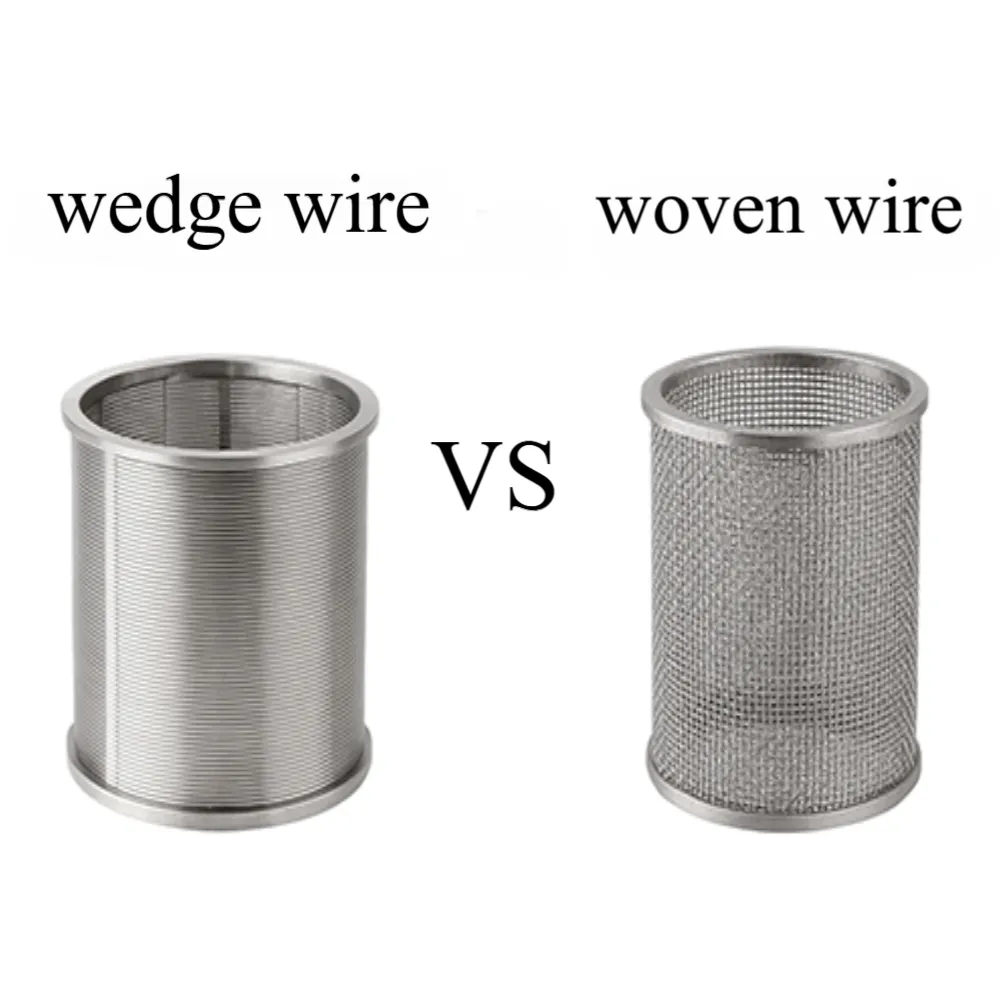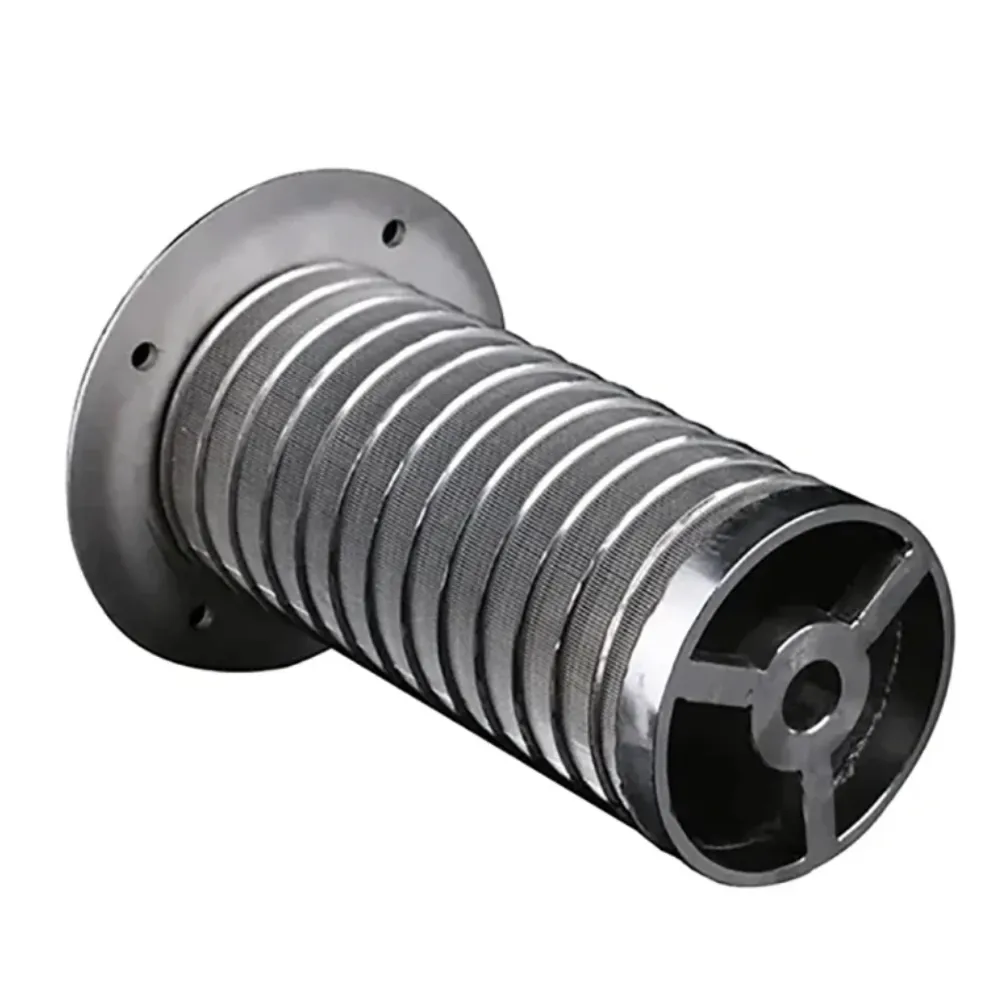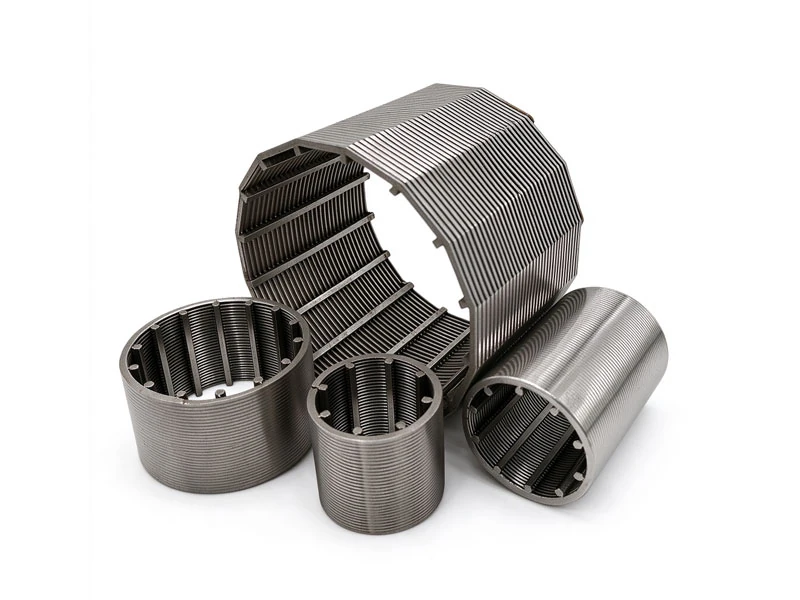
Wedge wire screen specifications should define the screen form, drawing revision, slot and tolerance, flow direction, supports, mounting, material, duty, and acceptance checks. Mark unknown items for review rather than filling them with assumed values.
Two quotes can list the same slot and steel grade while covering different products. One includes the frame and records you need; the other leaves them out. That makes a price comparison hard to trust.
If you’re preparing wedge wire screen specifications, use this guide to build a clear request for quotation, or RFQ. The drawing checklist, inquiry table, and deviation review help you show what is fixed, what the supplier may propose, and what still needs a decision.
Key takeaways
- Give every supplier the same drawing revision, units, and supply scope.
- Define the clear slot opening separately from its tolerance and acceptance method.
- Show the working face, flow, supports, and mounting interfaces together.
- Record open questions and quote exclusions before approving an order.
What wedge wire screen specifications should define
Separate the screen from the equipment scope
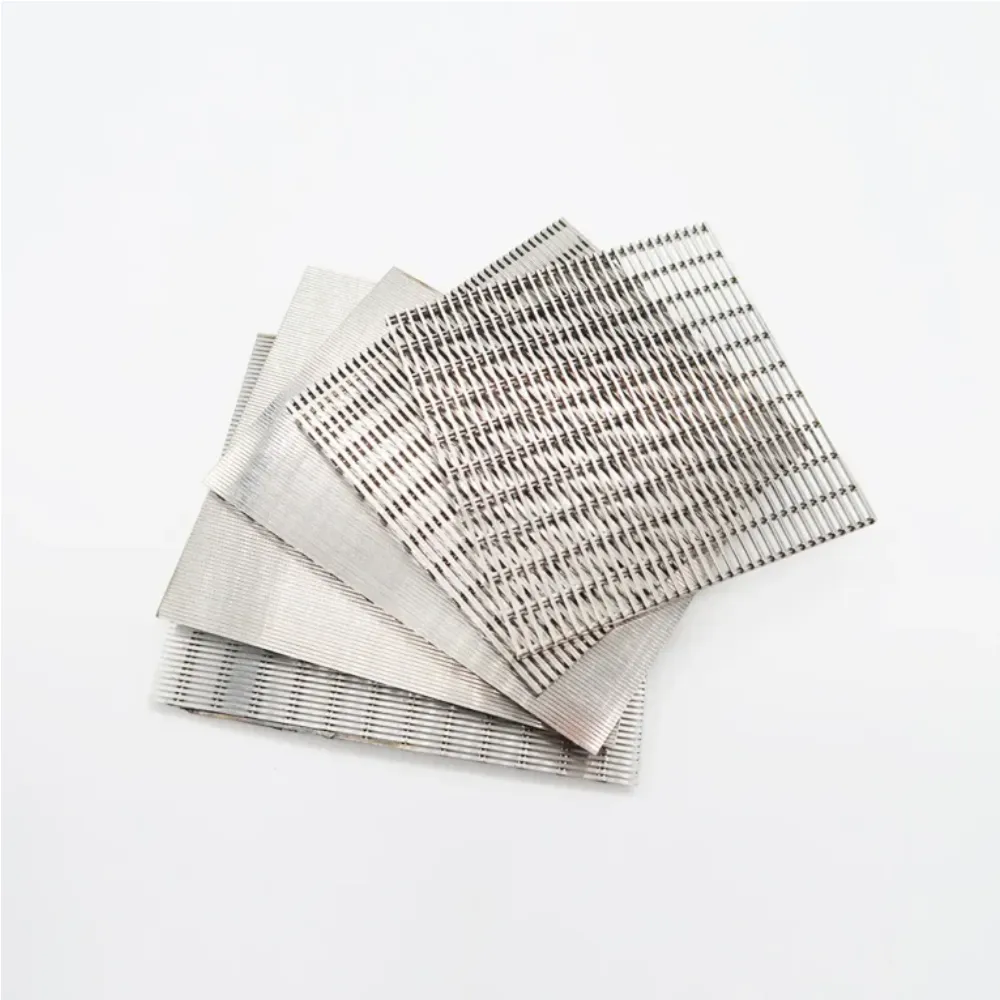
Start with the item you want to buy. Raw profiled wire, a screen element, a framed panel, and a complete machine are different supply scopes. List which parts belong in the quote, including any frame, end fittings, seals, or fixing hardware.
Our wedge wire screen options give you a product starting point. If the form is still undecided, use the wedge wire screen selection guide first. Return here when you need to record the chosen requirements.
Illustrative scenario: A buyer receives two panel quotes with the same nominal slot. One includes a frame; the other covers the screening surface alone. The buyer asks both suppliers to state their scope before comparing the offers.
Good wedge wire screen specifications make those boundaries visible. They also identify who provides the mating equipment details, so neither side assumes the other has designed the connection.
Mark fixed requirements and open questions
Use three status labels: fixed, supplier proposal, and to confirm. A fixed requirement comes from the project. A proposal needs review; an open item needs a named owner and a next action.
Don’t use “standard” to hide a missing decision. For wedge wire screen specifications, a useful open note is “mounting detail to be confirmed by equipment owner.” That tells the supplier what information is missing without inventing a dimension.
Preparing an inquiry? Send your drawing and open requirements to Tianjin Jingzhou Metal. Include the scope you know and mark the points that need discussion.
Put geometry, interfaces, and revision on the drawing
Identify the controlling drawing and units
Give each drawing a number and revision. State the units, name the current file, and remove old versions from the inquiry package. If the drawing, datasheet, and email disagree, ask the project owner which one governs.
Keep wedge wire screen specifications tied to that same revision. A quote should make clear which drawing it follows, including any agreed changes. Use a file reference both parties can find and check. Avoid names such as “latest screen.”
Mark the sizes that control fit or function. Identify the datum: the reference used to locate or measure a feature. Ask the responsible designer to define any missing limits rather than adding a general tolerance by guesswork.
Distinguish the envelope from the screening surface
Show both the overall size and the active screening dimensions. On a panel, the outer frame and usable screen area need separate labels. The panel fit and support guide explains that form in more detail.
For a cylinder, identify the required diameter references, active length, and end connections. On a curved screen, show the required radius and arc. Use the sizes that define the actual part. Don’t rely on a product photo.
When reviewing wedge wire screen specifications, check whether a quoted length covers the active surface or the whole assembly. The same number can describe different boundaries if the drawing does not show where measurement starts and ends.
Show mating and removal interfaces
Identify fixing holes, flange faces, sealing areas, and any required assembly clearances. Show which side meets the equipment and where the screen is supported. Add removal or access limits if they affect the supplied part.
For a basket, use the basket mounting and interface guide to frame the relevant questions. Keep the equipment owner’s interface requirements in the inquiry; don’t ask the supplier to infer them from the basket name.
When checking wedge wire screen specifications, ask: can the reviewer find the critical faces and features without calling the author? If not, mark the missing information before treating the drawing as ready for quotation.
Before sending the files, check these drawing notes:
- Each critical feature points to a clear reference face or axis.
- Dimensions state whether they cover the frame, active surface, or full assembly.
- The section view identifies the working face and support side.
- The parts shown match the parts included in the supply scope.
- Any note changed by the inquiry is identified for the supplier.
Keep a drawing issue list with the package. If the equipment owner must confirm a hole pattern, name that action and its owner. The supplier can then respond to a defined gap rather than silently making a fit assumption.
Specify slot, working face, and supports together
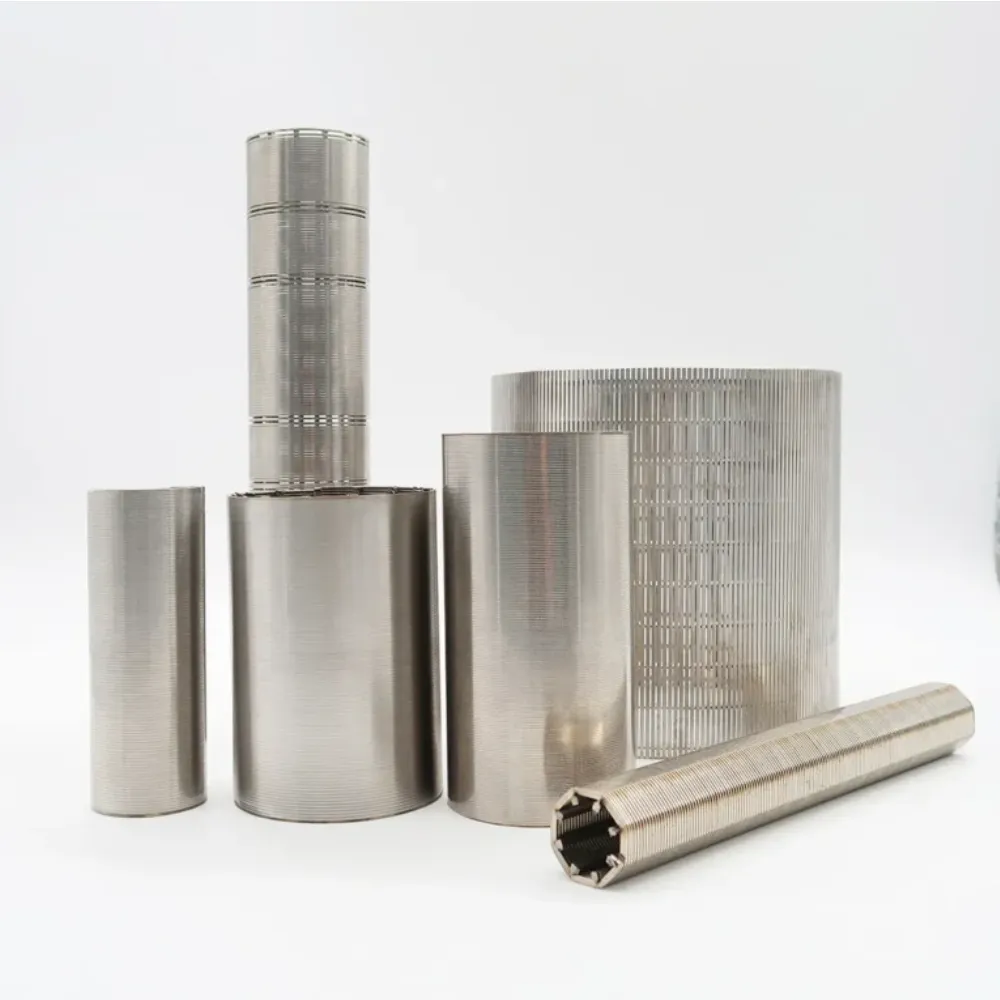
Record the clear slot and tolerance basis
In wedge wire screen specifications, state the clear opening with units. Keep it separate from wire width, pitch, and the allowed variation. If an acceptance limit applies, define which feature it covers and how the result will be judged.
Federal Screen’s FAQ lists its own slot, fabrication, and angular tolerances separately. That is a useful example of why one tolerance note cannot describe every feature. Those published values are not Jingzhou Metal’s default limits or a universal screen standard.
Agree the slot measurement locations, method, sampling, and reporting basis where required. Ask whether acceptance concerns individual readings, an average, or another defined measure. Don’t copy a supplier’s catalog limit into the order without checking that it fits the project.
Show flow and slot orientation with arrows
Mark the working face, the direction of flow through the screen, and the slot direction. These describe different things. Keep the support side visible in a section view so the reviewer can see the intended arrangement.
Qiusuo’s construction and flow guide illustrates several arrangements. Use that context to ask clearer drawing questions. A flow abbreviation alone does not define every feature or establish that a screen may be used in reverse flow.
For wedge wire screen specifications, an annotated section is often a useful way to bring these notes together. Label what the project requires and leave any proposed construction subject to review.
Identify profiles and load-review inputs
If a wire profile or support layout is mandatory, show its dimensions and spacing. If the supplier may propose them, say so and provide the relevant duty, span, and fixing information. The responsible designer can then review the proposed assembly.
Don’t infer assembly strength from a wire description alone. In wedge wire screen specifications, record the load-review inputs and the proposed construction separately from any approved rating.
Add material, duty, and acceptance requirements
State material by component and exposure
Specify which material requirement covers the working wires, supports, frame, and other supplied parts. If the requirement says only “stainless steel,” ask which grade is intended and who must approve it. Keep any supplier alternative visible as a proposal.
Add the process medium, relevant temperature, and cleaning conditions to wedge wire screen specifications. These are inputs for material review. A grade name alone does not prove that the finished assembly meets every corrosion, hygiene, or customer requirement.
State any required surface condition separately. If you need a particular document or project standard, identify its scope in the inquiry. Ask a materials specialist to review unresolved compatibility questions where needed.
Separate duty from acceptance evidence
Provide normal operating data and any other design conditions specified by the project. Name the source and owner of that data. Don’t turn a target flow into a confirmed capacity or a process pressure into an approved screen rating.
Wedge wire screen specifications should also identify what each check is meant to show. A dimensional report addresses the checked geometry. Material records, a fit review, and a process trial have different purposes; one does not automatically replace the others.
Illustrative scenario: A sample was checked against one drawing revision. The next revision changes a mounting feature. Before approving production, the buyer asks whether the earlier fit review still covers the new part and what must be checked again.
Agree the document scope before quoting
List the records you need, the required link to the supplied item, and who will review them. For wedge wire screen specifications, ask the supplier to confirm which records its offer includes. This avoids treating a requested report as an automatic part of every order.
For wedge wire screen specifications, distinguish approval of a sample from release of a production order. State the sample’s purpose and any limits on the decision. Keep open requirements visible until the responsible person closes them.
Copy this wedge wire screen specifications checklist into your RFQ
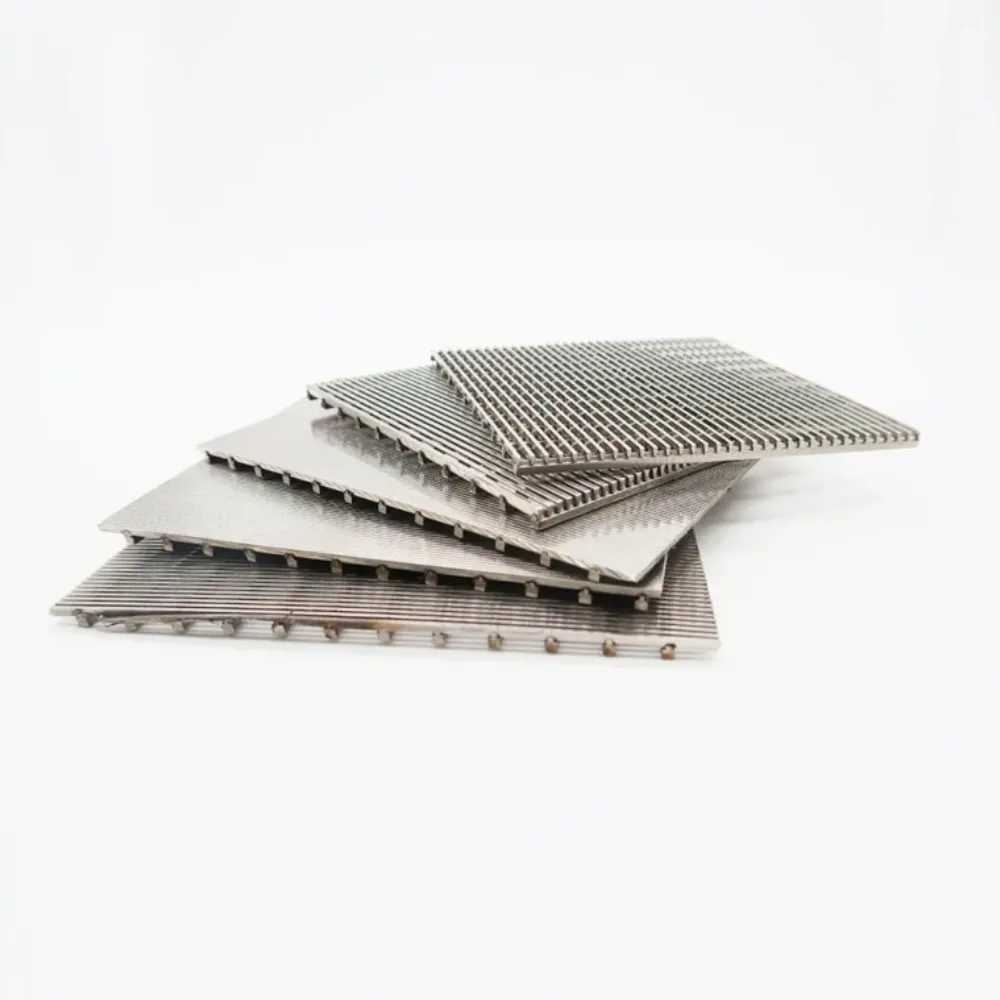
Use a field, status, and evidence table
Copy the table below into an email or project document. It is an inquiry aid, not a design standard. Add the project’s actual values. Mark each field fixed, supplier proposal, or to confirm.
| RFQ field | Information to provide | Review or record to agree |
|---|---|---|
| Supply scope | Screen element, frame, fittings, and exclusions | Itemized scope in the quote |
| Drawing control | Drawing number, revision, units, and document priority | Current approved reference |
| Geometry | Overall size, active size, datums, and critical limits | Defined dimensional checks |
| Slot | Clear opening, units, tolerance, and reporting basis | Measurement and acceptance scope |
| Direction | Working face, flow arrows, and slot orientation | Annotated section or assembly view |
| Structure | Required wire and support details, or permission to propose | Design review using project inputs |
| Interfaces | Mounting, seals, end fittings, and mating details | Equipment owner confirmation |
| Material | Grade by component, exposure, and surface requirements | Agreed material records |
| Duty | Medium, operating data, and relevant design conditions | Process or equipment owner input |
| Acceptance | Sample purpose, checks, records, and approving person | Defined release conditions |
| Order | Quantity, packing constraints, destination, and requested timing | Supplier’s confirmed offer |
Attach the documents referenced by your wedge wire screen specifications. A table that refers to a drawing the supplier has not received still leaves a gap. Ask the recipient to identify anything missing or unclear.
Leave unknown values open for review
An open field can be useful when it names the decision needed. Write who will supply the information and whether the supplier may proceed with a proposal. Avoid inserting a guessed number simply to complete the table.
For example, “support layout: supplier proposal, subject to equipment designer review” states a clear next step. It does not approve the layout. Keep the load and mounting inputs available to whoever must make that decision.
An item is not closed just because someone has replied. Record the agreed value or document, the reviewer, and any conditions on the decision. If the reply raises another question, keep the item open. Use that same record when you check the revised quote.
Before sending wedge wire screen specifications, check that the status labels agree with the attached drawing. A field marked open in the table should not appear as a fixed requirement elsewhere without explanation.
Compare quotations and close deviations before ordering
Compare the same supply and document scope
Read each offer against the inquiry, not just against the other prices. Check the included parts, material scope, drawing revision, tolerances, records, and exclusions. If wedge wire screen specifications have no clear response in the offer, ask the supplier to clarify.
Use a deviation register to keep the review visible:
| Requirement reference | Required | Offered | Deviation or exclusion | Owner | Approval status |
|---|---|---|---|---|---|
| Drawing or RFQ item | Project requirement | Supplier response | Difference to resolve | Named reviewer | Open or agreed decision |
This is a review template. Replace the prompts with the actual wedge wire screen specifications and quote details; don’t mark a difference approved before the authorized reviewer has decided.
Illustrative scenario: One offer includes the requested material record; another does not mention it. The buyer asks the second supplier to confirm the record scope before comparing the full offers. The review resolves what is being purchased without assuming why the prices differ.
Check quantity and delivery conditions
Compare offers for the same quantity and supply condition. State packing or handling constraints that affect the order, along with the destination and requested timing. Ask the supplier to confirm its proposed delivery terms.
Keep these commercial points alongside wedge wire screen specifications so the order reflects the full agreement. A requested date is not a promised date until the supplier confirms the offer. Don’t assume a common minimum order or lead time across different constructions.
Freeze the approved revision and actions
Before release, check the approved wedge wire screen specifications, drawing, and accepted deviations. Record which documents form the order and which actions remain open. If an unresolved item could change the supplied part, ask the responsible person to decide how it must be handled.
When wedge wire screen specifications change, review whether earlier samples and records still apply. Keep the change and approval visible so production and receiving teams work from the same reference.
Wedge wire screen specification FAQ and next step
What information is needed for a screen quote?
Start with the supply scope, drawing, slot, material, operating duty, and quantity. Add mounting details and the records you need. In wedge wire screen specifications, clearly marked open questions are more useful than guessed requirements.
Is there a standard slot size or tolerance?
Don’t assume one value applies to every project. Define the required opening and acceptance basis with the responsible engineer and supplier. A manufacturer’s published values describe its stated offering, not an automatic requirement for another supplier.
Can a photograph replace a screen drawing?
A photograph can help explain the form or show a visible feature. It does not define every hidden support, dimension, or mating detail. Use it alongside the measurements and drawing information needed to describe the part.
What if the drawing and quotation differ?
Record the difference, identify the controlling requirement, and ask the responsible reviewer to resolve it. Update the approved files where needed. Don’t rely on a verbal assumption that the offer is equivalent.
Prepare the inquiry package
Ready to discuss wedge wire screen specifications? Send your drawing, RFQ, and open questions. Include what is fixed, what may be proposed, and who will approve the remaining decisions.